Big-Type Marquee
Huge words streaming across or up and down the screen, solid or outlined, in one to three rows; it speeds up and leans with the scroll, and can be paused.
What we do: Strategy, Design, Content, Development, Growth, Support
What it does
An endless strip of 2–20 very large words, separated by a small mark and alternating solid and outlined. direction sets the way it moves: left, right, up or down. Up and down need a height and take vertical_layout: "stack" (upright words one under another) or "rail" (the text turned sideways in a narrow strip). rows (1–3) adds rows, or columns when vertical, that run the opposite way in turn. Outlined words can fill in under the pointer (hover_fill) and take a thin, regular or bold stroke. The separator is a square or round dot, a star, slash, plus, arrow or an icon, and can spin slowly. It drifts on its own, speeds up and leans in the direction of the scroll (optional), and on hover slows down, stops or keeps moving (hover). pause_button adds a small pause and play button, which moving text that never stops should have. The words are also listed for screen readers. With reduced motion it becomes a static wrapped line. Best as a section divider, a list of disciplines, a statement band, or a moving column beside a hero.
Add it to a page
Bricks
Search the elements panel for Big-Type Marquee (mkit-marquee) and drag it in.
Shortcode
Paste [mkit_marquee] into any editor or builder.
AI agent
Ask an agent to use rabin-craft/add-to-page with element marquee.
[mkit_marquee]
[mkit_marquee items="Strategy; Design; Content; Development; Growth"]
Included in every plan
Big-Type Marquee plus 29 more elements, updates and support.
23 ready-made examples
Big-Type Marquee ideas you can copy
Each example is a live page with the exact shortcode that made it.
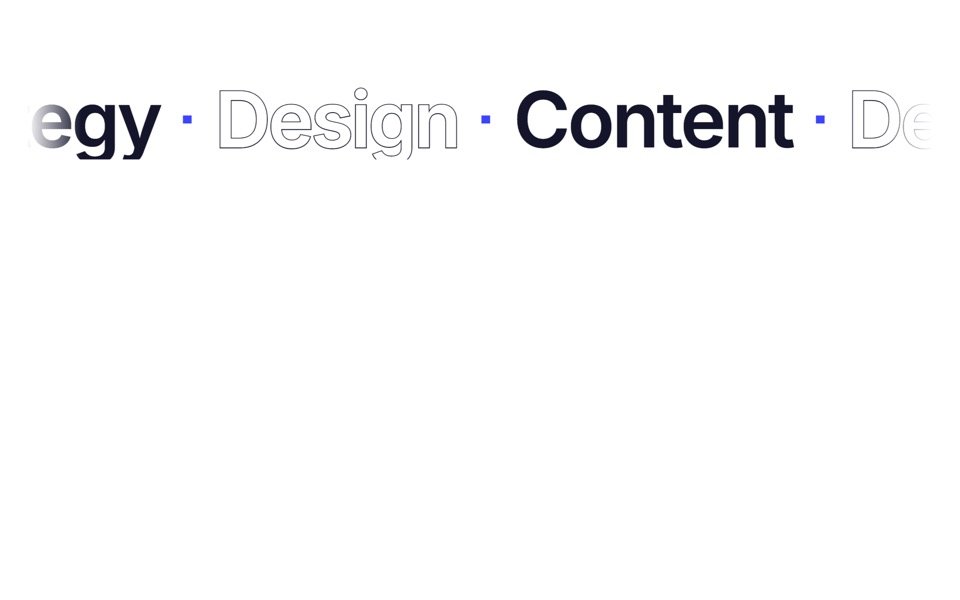



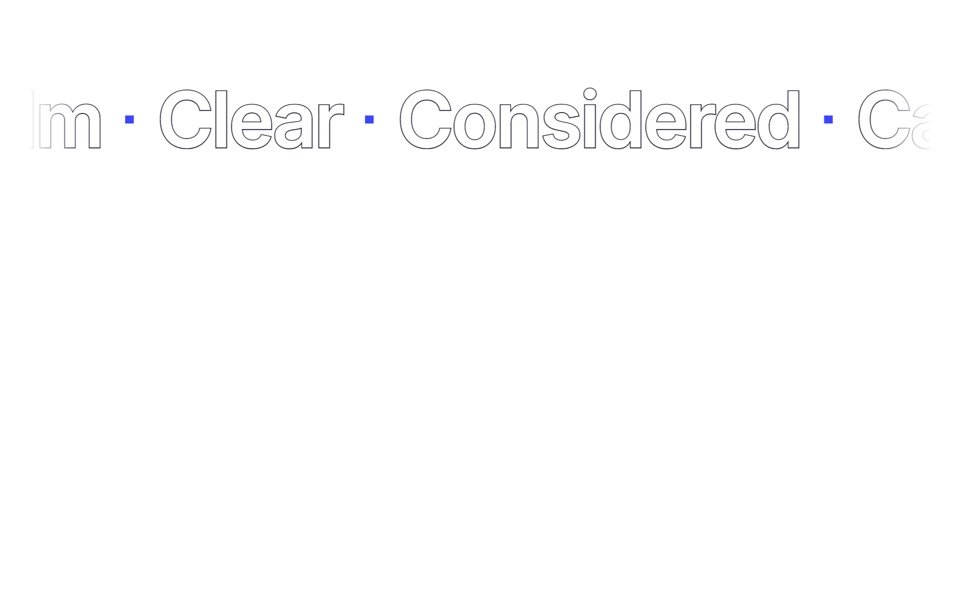
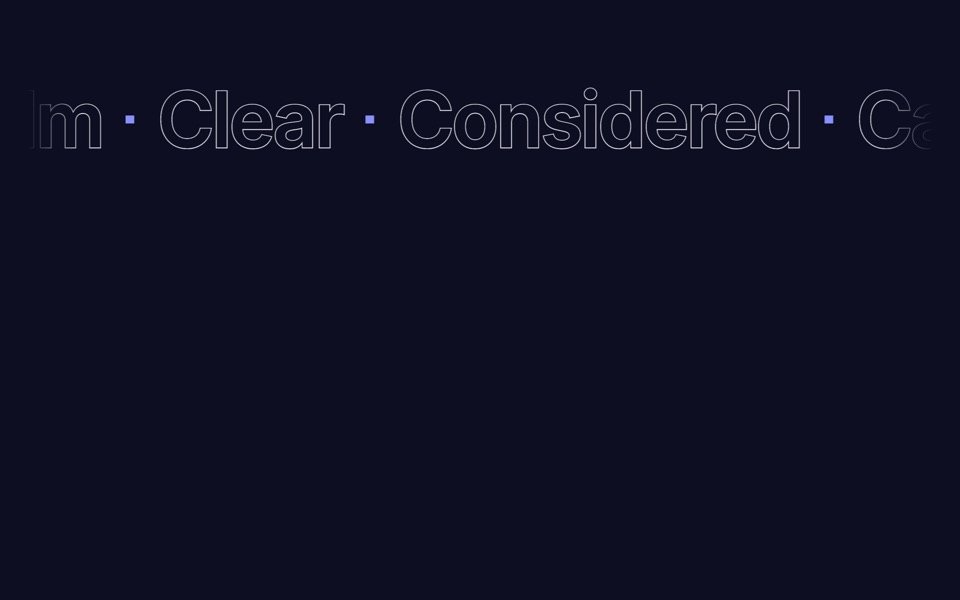


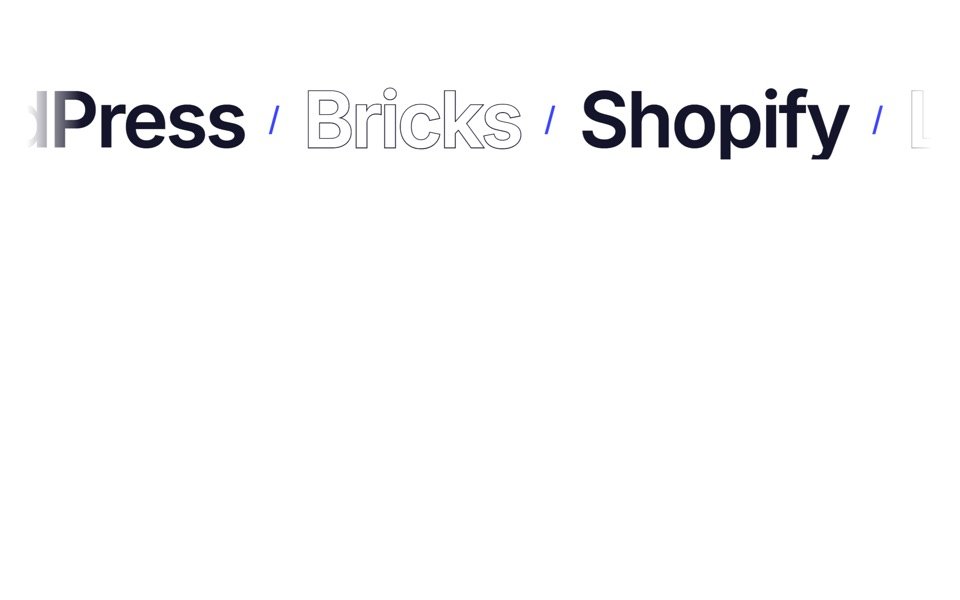

Settings
The same settings work in Bricks, in shortcode attributes and through the abilities.
| Setting | Type / options | Default | What it does |
|---|---|---|---|
items |
list | 6 sample items | One to three words each. |
label |
string | What we do | What the list is, for screen readers. |
separator |
dot · round · star · slash · plus · arrow · icon · none | dot | dot is a small square, round a small circle; icon uses separator_icon. |
separator_icon |
string | star | A built-in icon keyword, used when separator is "icon". |
separator_spin |
boolean | false | The separators turn slowly. |
style |
alternate · solid · outline | alternate | |
stroke |
thin · regular · bold | regular | Outline thickness. |
hover_fill |
boolean | false | An outlined word fills in while the pointer is on it. |
speed |
number (10–300) | 60 | Drift speed in pixels per second. |
direction |
left · right · up · down | left | |
vertical_layout |
stack · rail | stack | For up and down: upright words stacked, or the text turned sideways in a narrow strip. |
height |
string | — | For up and down: the height as a CSS length (60vh, 480px). Empty uses min(60vh, 34rem). |
rows |
integer (1–3) | 1 | Rows (columns when vertical); each runs the opposite way to the one before. |
hover |
slow · pause · none | slow | Under the mouse: slow down, stop or keep moving. |
pause_button |
boolean | false | A small pause and play button in the corner. Recommended: text that keeps moving should be pausable by keyboard and touch. |
scroll_boost |
boolean | true | Speed up with the scroll, following its direction; left and right also lean. |
theme |
dark · light | dark | Colour scheme. "dark" is designed for night/navy sections, "light" for white or pale sections. |
More Type & intros



Get the full kit
All 30 elements, one licence.
From ₹1,499 a year. Secure checkout on shop.rabinpal.com.