30 elements
The Rabin Craft elements
Each one works as a Bricks element, a shortcode or an AI ability, in a dark and a light theme.


01
Flow IntroA section opening that flows: the label decodes, a colour bar sweeps the heading in, and one line runs down the page, waking the next intro when it arrives.Type & intros
View element

02
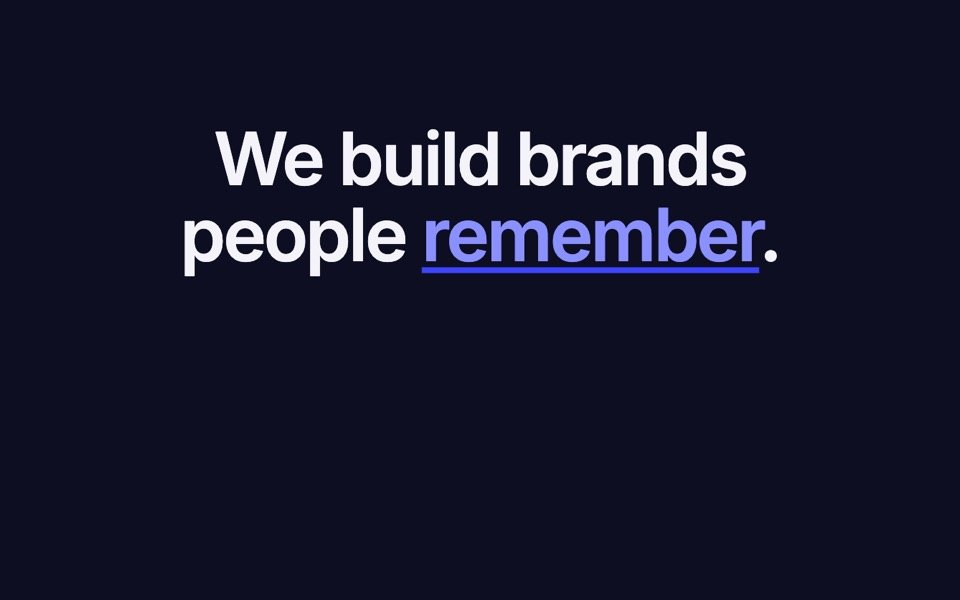
Mask Reveal HeadingA heading whose lines, words or letters slide out of hidden masks, or are swept in by a colour bar, when it scrolls into view, with a highlight on the emphasised words.Type & intros
View element

03
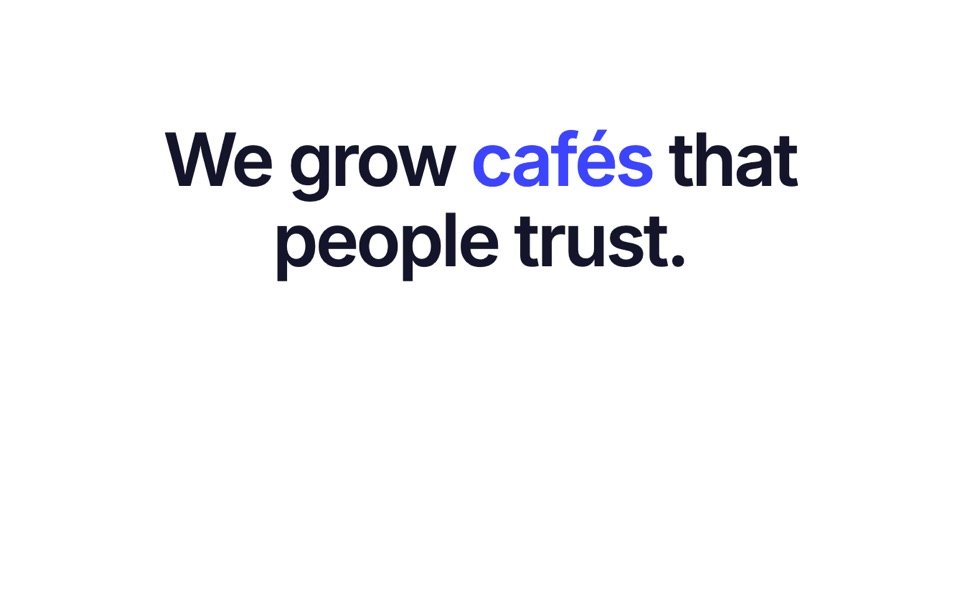
Flip WordA headline with one word that keeps changing: rolling, flipping, sliding, fading, typed out or on a split-flap board, with an optional underline, pill or hand-drawn mark.Type & intros
View element

04
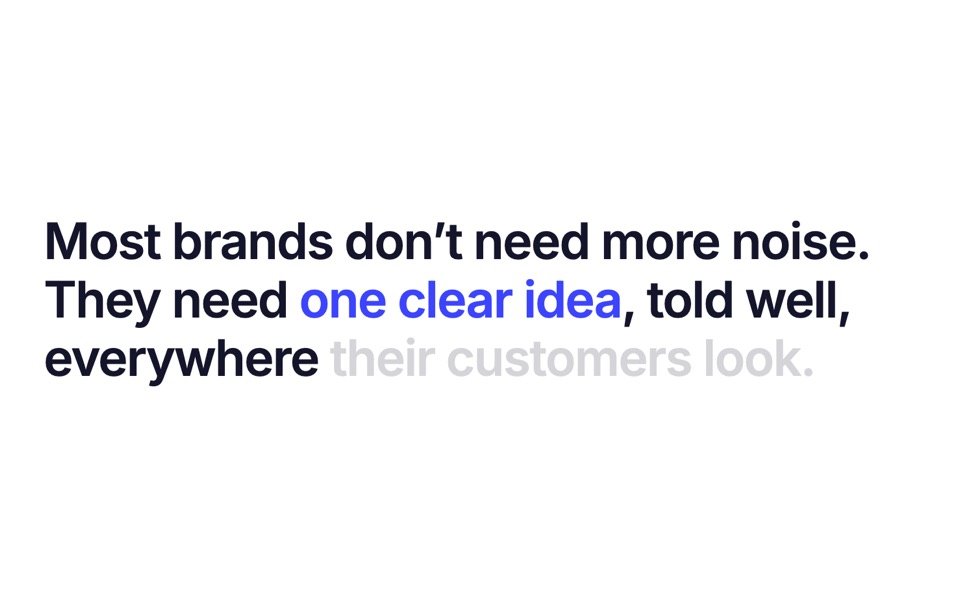
Text ScrubA statement that lights up word by word as it scrolls past. Words in emphasis take the accent colour.Type & intros
View element


05
Giant WordmarkOne huge word sized to fill the width you give it, in nine looks or your own mix of fill, outline, colours, crop and motion.Type & intros
View element


06
Big-Type MarqueeHuge words streaming across or up and down the screen, solid or outlined, in one to three rows; it speeds up and leans with the scroll, and can be paused.Type & intros
View element

07
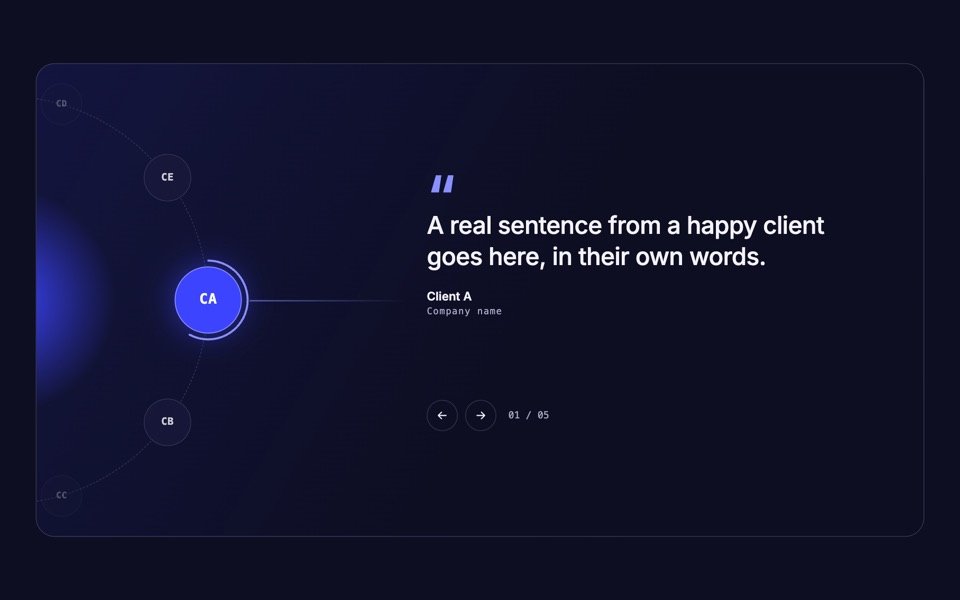
Review WheelClients turn on a wheel, and whoever reaches the front speaks, word by word. Visitors can click a name, drag the wheel, or let it play.Social proof
View element

08
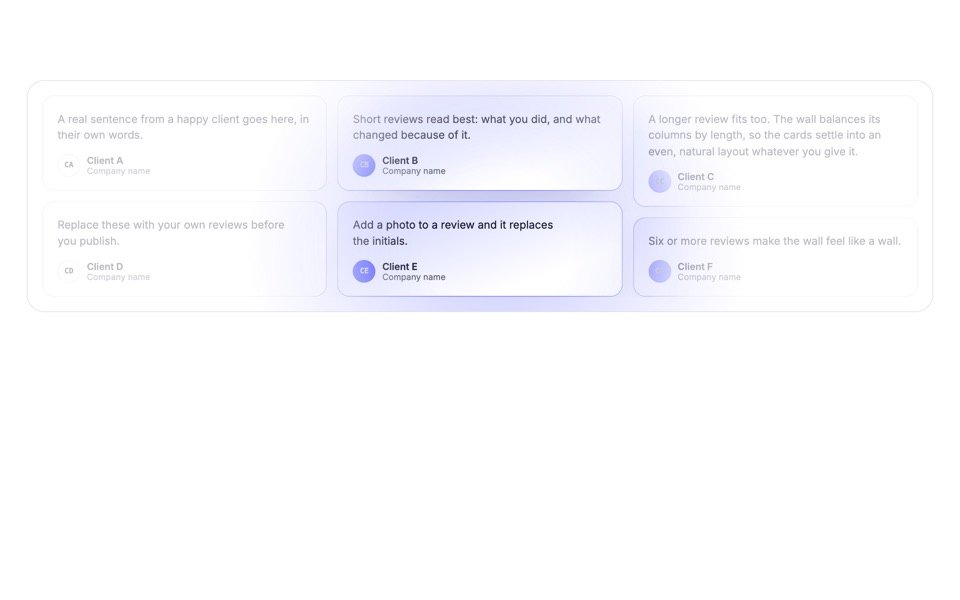
Spotlight WallAll your reviews on one wall, in the dark. A light follows the mouse and brings them forward; on phones it follows the scroll. Six looks, from a glass wall to drifting columns, with star ratings.Social proof
View element


09
Logo FlowAn endless strip of client logos that speeds up, reverses and leans with the scroll. Under the mouse, logos swell like a dock and push their neighbours apart.Social proof
View element


10
Flip WallA grid of tiles where one at a time flips in 3D to another client, so many logos share a small space. Hover holds a tile still.Social proof
View element


11
Odometer StatsA row of figures that roll up digit by digit, like a car odometer, when they come into view. Five styles: rolling digits, boxed counter, split-flap, ring gauge and Roman numerals.Social proof
View element

12
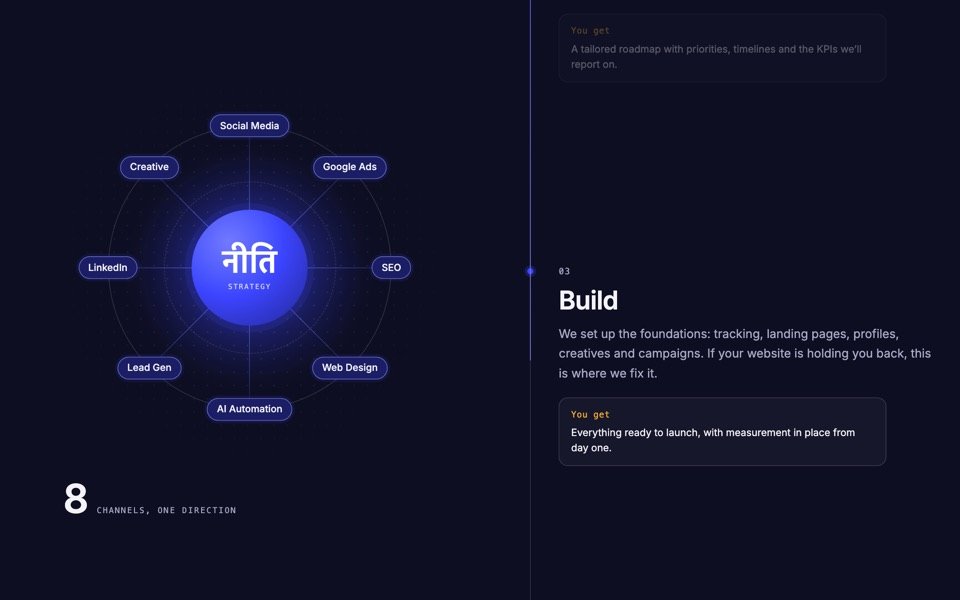
Orbit StoryA pinned scroll story for your process. Channels go from scattered to orbit, connected, flowing and charted as each step scrolls past.Scroll stories
View element


13
Layer StackA 3D stack of layers that separates into an exploded view as you scroll, explaining one layer at a time.Scroll stories
View element


14
Dot FunnelA grid of dots that narrows stage by stage as you scroll, from many to one, with a counter and caption per stage.Scroll stories
View element


15
Horizontal TrackScrolling down moves a pinned row of cards sideways, with images drifting inside their frames. Swipeable on phones.Scroll stories
View element

16
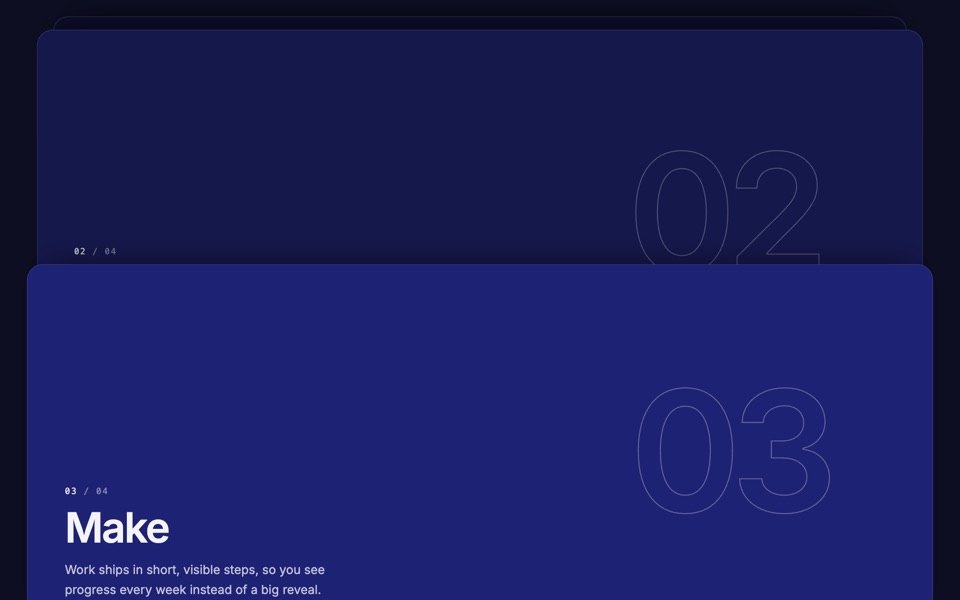
Stack CardsLarge cards that pin and pile up as you scroll; each earlier card shrinks, turns or both, and darkens behind the next.Scroll stories
View element

17
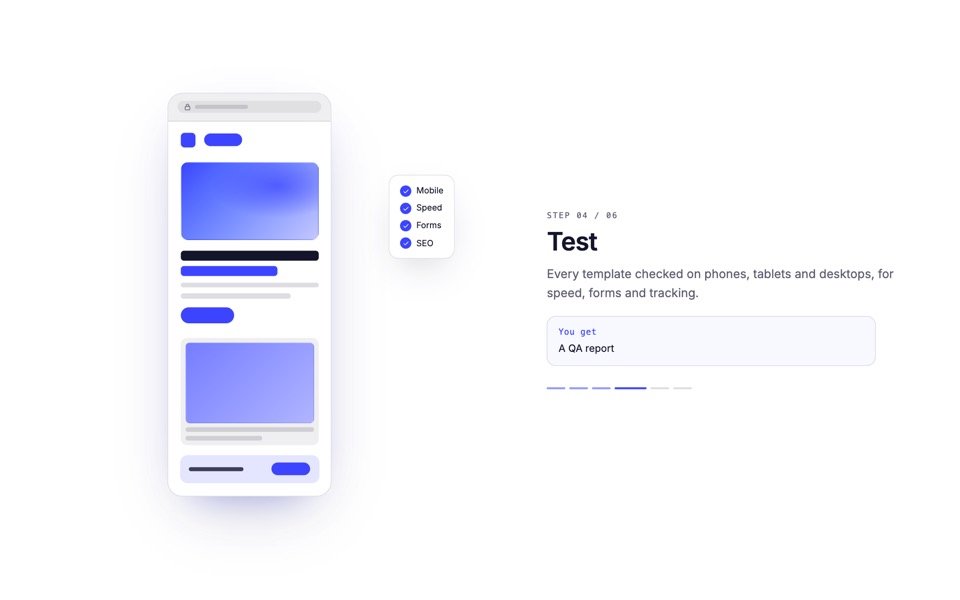
Site BuildA pinned browser window that builds a website as you scroll through the steps: wireframe, design, code, a phone-width test, launch and a growth chart.Scroll stories
View element

18
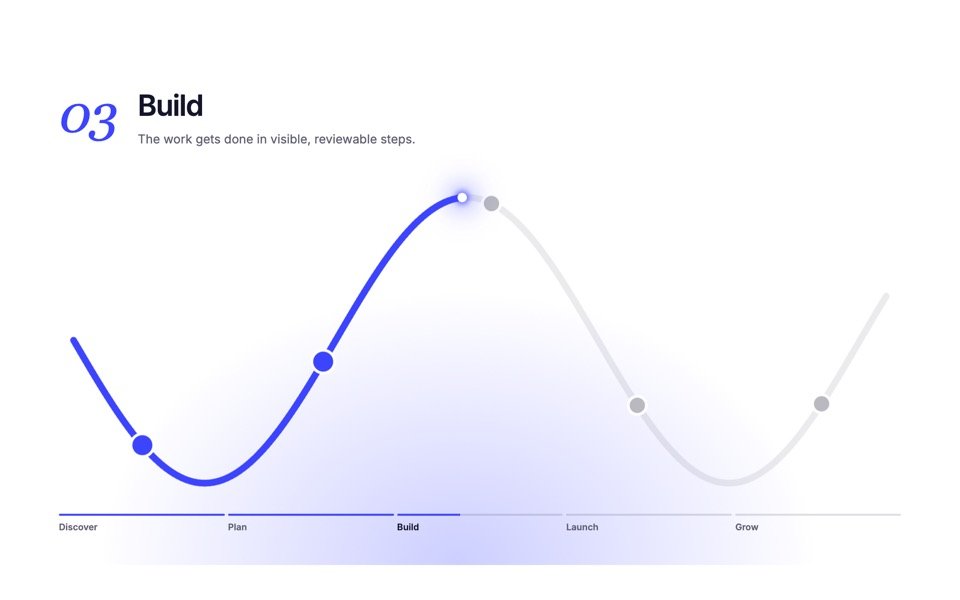
MomentumOne progress journey with a pattern you choose (a path, rings, flowers, dots, tiles, your photo or bars), colour per step and number, icon or image markers, on the scroll or on its own.Scroll stories
View element

19
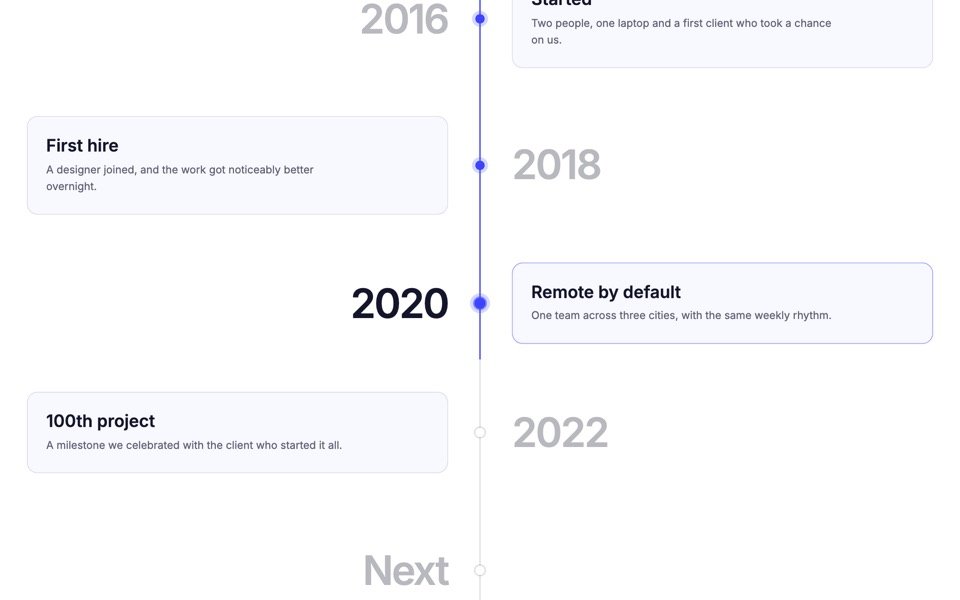
Timeline RailA timeline whose rail fills as you scroll; each milestone lights up and slides in as it is reached. Vertical or horizontal, one side or alternating, with dot, number or icon markers and a solid or dashed line.Scroll stories
View element


20
OrbitA strategy hub with service chips around it. A radar sweep steps between chips and follows hover. Ideal as a hero visual or services overview.Hero visuals
View element
21
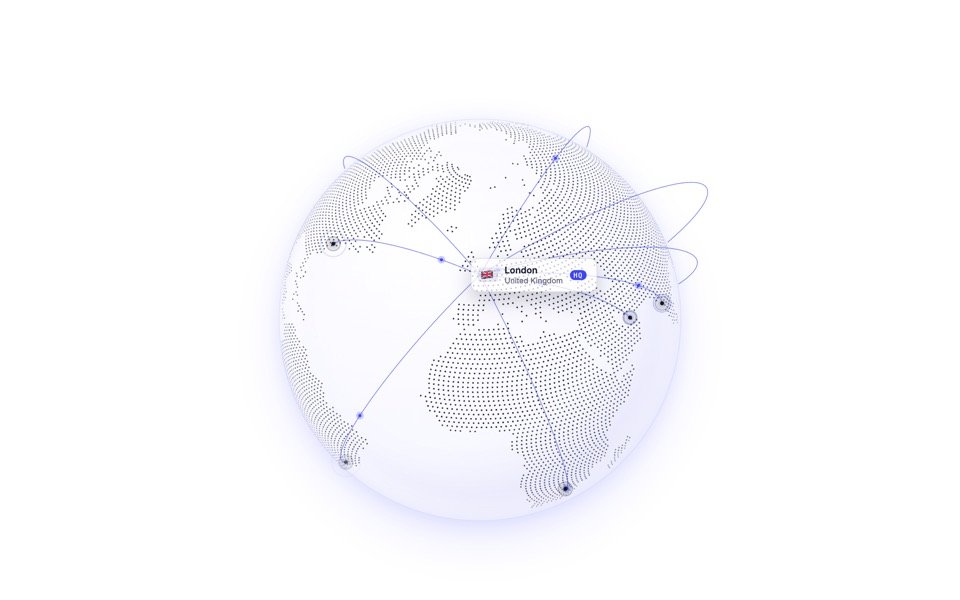
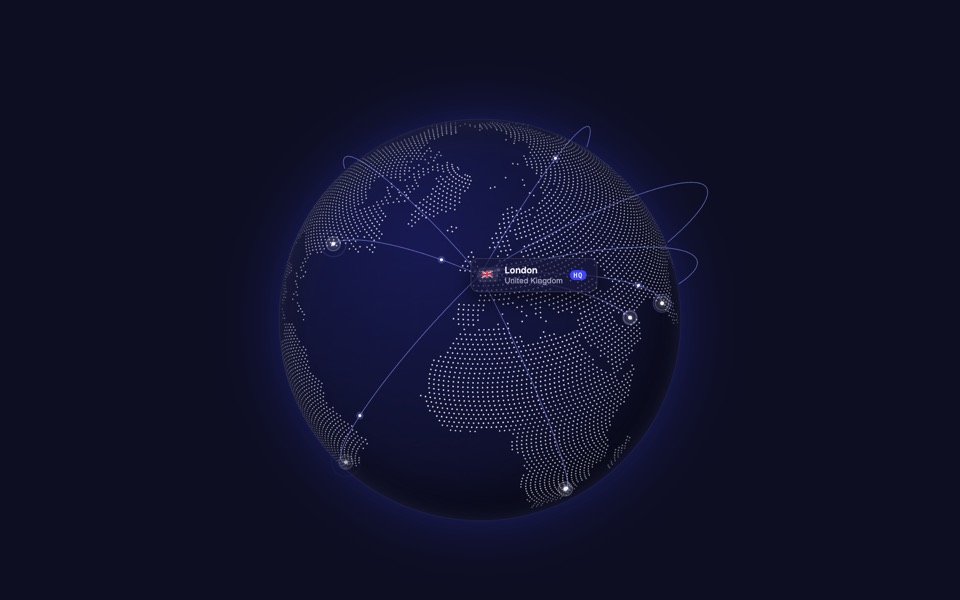
GlobeA dotted 3D Earth with your locations: arcs fly out from your HQ, the globe tours city to city, and visitors can spin it.Hero visuals
View element

22
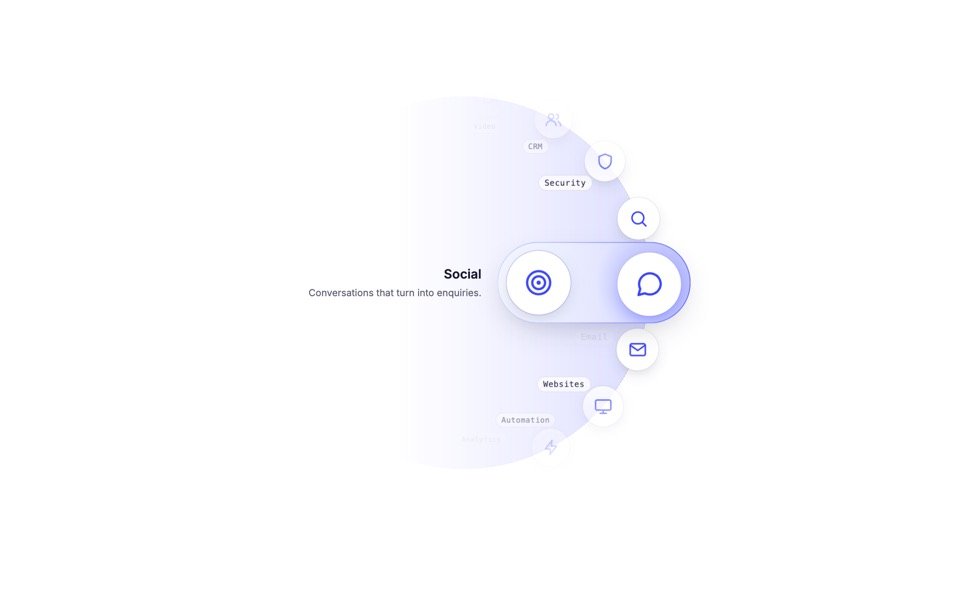
Orbit DockIcons travel round a large arc and, one at a time, slide into a glass dock beside your logo, with the active item’s name and text below.Hero visuals
View element


23
Search ClimbA search types itself and your brand climbs to the top result, joins the map pack and gets cited by the AI answer, then the next search starts.Hero visuals
View element


24
ConstellationCards floating at different depths, grouped into clusters joined by faint lines. The mouse moves the camera, filters regroup the cards, and a card opens into a detail panel that flies out of it.Hero visuals
View element


25
Craft ImageOne image designed as a composition: a mask or frame, plus up to 8 layers (cards, tags, stats, floating bubbles, an inset photo, shapes) placed on any corner or bleeding out of it.Hero visuals
View element

26
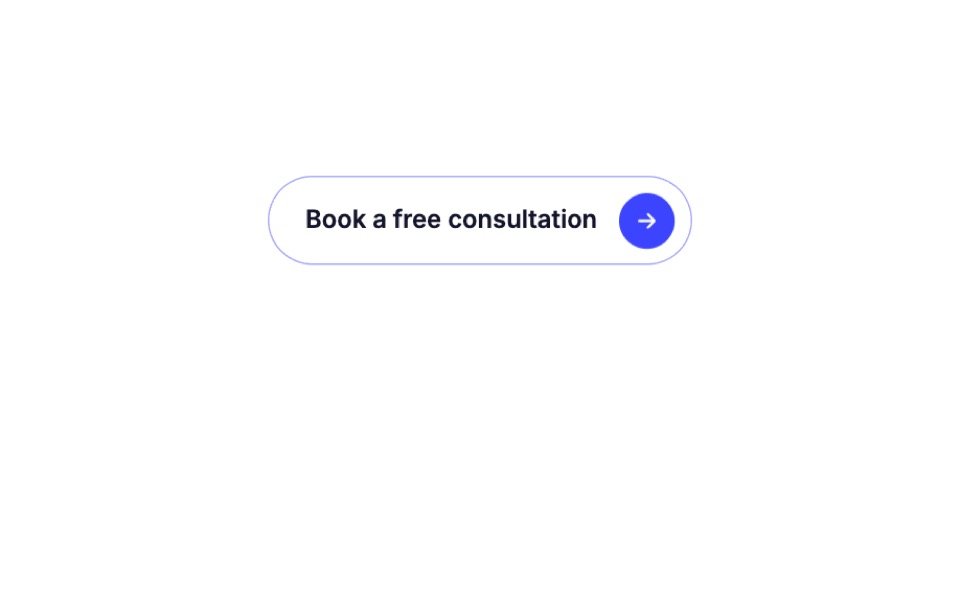
Magnet ButtonA button that leans toward the mouse before you touch it. Colour floods in from the exact point the mouse enters, or a spark orbits its edge.Interactions
View element


27
Hover Preview ListA list of big rows; hovering one shows its image: following the cursor, fixed beside the list, or inline in the row. Five image shapes and a tap mode for phones.Interactions
View element


28
Before / AfterTwo images in one frame with a draggable divider, keyboard-friendly, with a hint swipe when it first appears.Interactions
View element

29
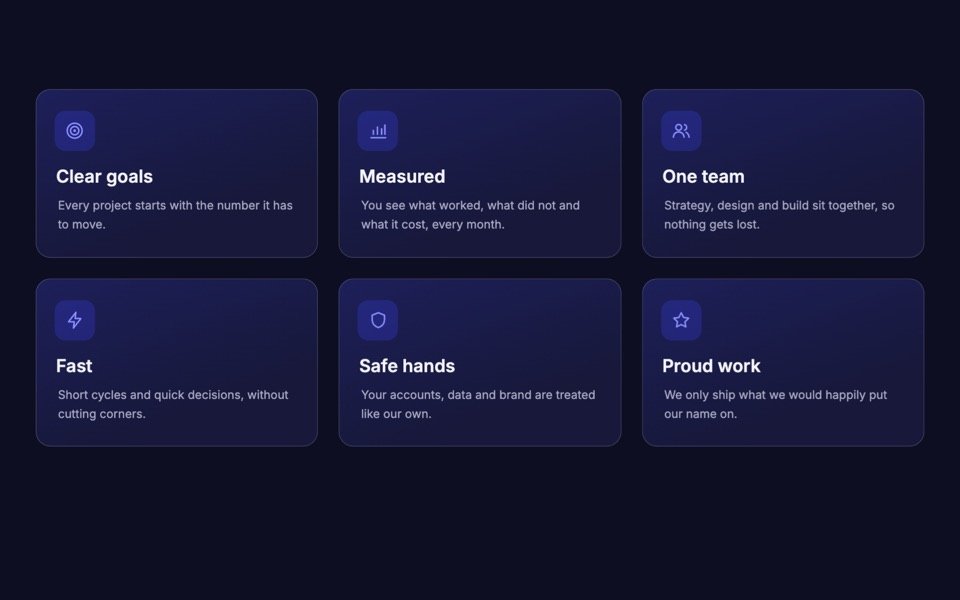
Tilt CardsA grid of cards that tilt in 3D toward the mouse, with a light glare and layered depth; they rise in one after another.Interactions
View element


30
Proof PathA service decision case: the visitor picks the problem they recognise, and its path draws itself in 2–6 stages from friction to evidence and outcome, marking your claim as tested. Six styles, an icon and colour per problem.Interactions
View element
Plus section edges and joins
Not elements but settings on any section: shaped edges cut into the section, and rounded sheets and cards.
Get the full kit
All 30 elements, one licence.
From ₹1,499 a year. Secure checkout on shop.rabinpal.com.