Dot Funnel
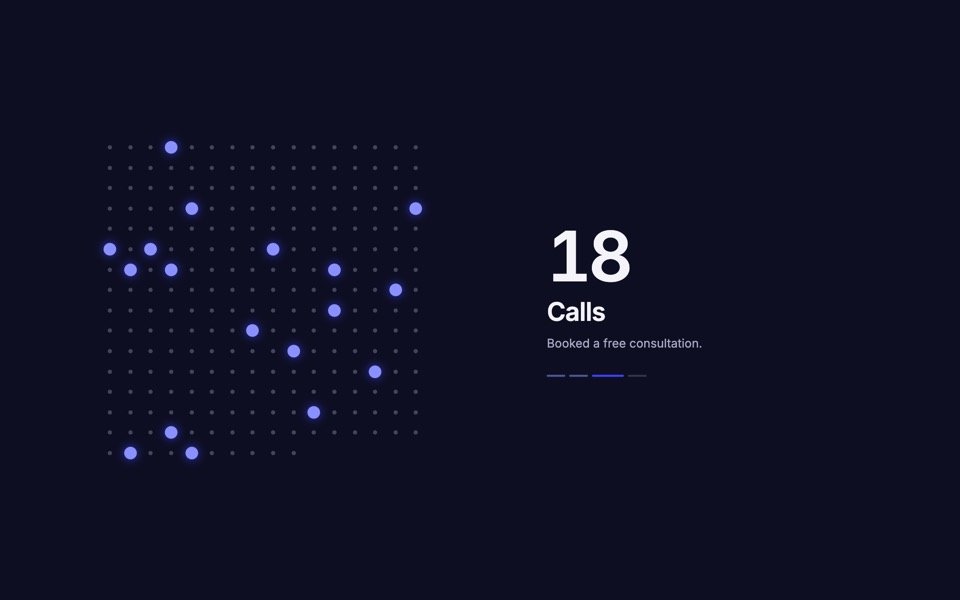
A grid of dots that narrows stage by stage as you scroll, from many to one, with a counter and caption per stage.
100
Ideas collected
Every request, complaint and suggestion goes into one list, so nothing depends on who shouted loudest.
20
Worth testing
Each idea is scored for impact and effort. Only the strongest fifth moves on.
5
Prototyped
Quick prototypes go in front of real users before anyone writes production code.
1
Shipped
The one that proves itself gets built properly, measured and improved.
What it does
A pinned scroll section. A grid shows one dot per item of the first stage (up to 400); at each later stage the dots that don't make it drop out, a big counter counts down, and at a final stage of 1 the survivor travels to the centre. Four layouts: "fade" (dropped dots fade where they are), "repack" (the kept dots slide together into a tighter grid each stage), "fall" (dropped dots fall out of the frame) and "columns" (one column per stage; the kept dots move right and the rest stay behind). stage_colors gives each dropped dot the colour of the stage that cut it. The ending can glow, pull everything into the winner and burst, or turn the last dot into a button (cta). Best for selection processes and funnels: ideas to launch, applicants to hires, leads to customers, "we review 100, we pick 1".
Add it to a page
Bricks
Search the elements panel for Dot Funnel (mkit-dot-funnel) and drag it in.
Shortcode
Paste [mkit_dot_funnel] into any editor or builder.
AI agent
Ask an agent to use rabin-craft/add-to-page with element dot-funnel.
[mkit_dot_funnel]
[mkit_dot_funnel stages="100|Ideas collected; 20|Worth testing; 5|Prototyped; 1|Shipped"]
22 ready-made examples
Dot Funnel ideas you can copy
Each example is a live page with the exact shortcode that made it.






Settings
The same settings work in Bricks, in shortcode attributes and through the abilities.
| Setting | Type / options | Default | What it does |
|---|---|---|---|
stages |
list | 4 sample items | From the widest stage to the narrowest. The first count sets the number of dots (max 400). |
theme |
dark · light | dark | Colour scheme. "dark" is designed for night/navy sections, "light" for white or pale sections. |
visual_side |
left · right | left | |
title_tag |
h2 · h3 · h4 | h3 | |
shape |
round · square | round | |
layout |
fade · repack · fall · columns | fade | fade: dropped dots fade in place. repack: the kept dots gather into a tighter grid each stage. fall: dropped dots fall away. columns: one column per stage, the kept dots move right. |
stage_colors |
boolean | false | Dropped dots take the colour of the stage that cut them (each stage's color, or a built-in palette), with a matching swatch by each stage title. |
converge |
boolean | true | At a final stage of 1, the last dot moves to the centre and the ending plays. |
ending |
glow · burst · cta | glow | With converge: glow (the last dot glows and pings), burst (every other dot is pulled into it, then a ring bursts out) or cta (it grows into a button; needs cta_url). |
cta_text |
string | Book a call | The button text for ending "cta". |
cta_url |
string | — | Where the button goes, for ending "cta". |
cta_new_tab |
boolean | false | |
step_height |
number (40–150) | 70 | Scroll distance per stage, in % of the screen height. |
More Scroll stories



Get the full kit
All 30 elements, one licence.
From ₹1,499 a year. Secure checkout on shop.rabinpal.com.