Timeline Rail
A timeline whose rail fills as you scroll; each milestone lights up and slides in as it is reached. Vertical or horizontal, one side or alternating, with dot, number or icon markers and a solid or dashed line.
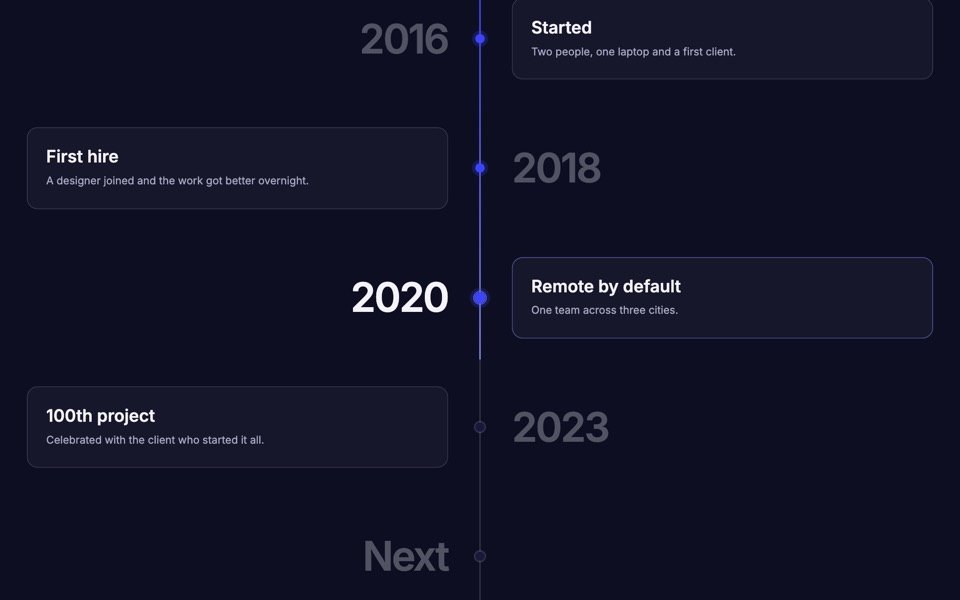
2016
Started
Two people, one laptop and a first client who took a chance on us.
2018
First hire
A designer joined, and the work got noticeably better overnight.
2020
Remote by default
One team across three cities, with the same weekly rhythm.
2022
100th project
A milestone we celebrated with the client who started it all.
Next
Your project
The best part of a timeline is the bit that has not happened yet.
What it does
An ordered list of 2–20 milestones (date, title, text, optional image and icon) along a rail. The rail fills with the scroll, each milestone's marker lights as it passes the active line, and cards slide in as they come into view. Four layouts: "alternate" puts milestones on both sides of a centre rail with the date opposite; "left" keeps the rail at the left; "horizontal" runs the rail across with the cards under it; "horizontal-alternate" puts the cards above and below it in turn. A horizontal row with more milestones than fit scrolls sideways (swipe, trackpad or arrow keys). Phones always use "left". The marker is a dot, the milestone's number or its icon, and the line is solid or dashed. Best for company history, a project roadmap, a product changelog or a step-by-step plan with dates.
Add it to a page
Bricks
Search the elements panel for Timeline Rail (mkit-timeline) and drag it in.
Shortcode
Paste [mkit_timeline] into any editor or builder.
AI agent
Ask an agent to use rabin-craft/add-to-page with element timeline.
[mkit_timeline]
[mkit_timeline items="2016|Started|Two people and a first client.; 2020|Remote by default|One team across three cities.; 2024|100th project|And counting."]
Included in every plan
Timeline Rail plus 29 more elements, updates and support.
18 ready-made examples
Timeline Rail ideas you can copy
Each example is a live page with the exact shortcode that made it.




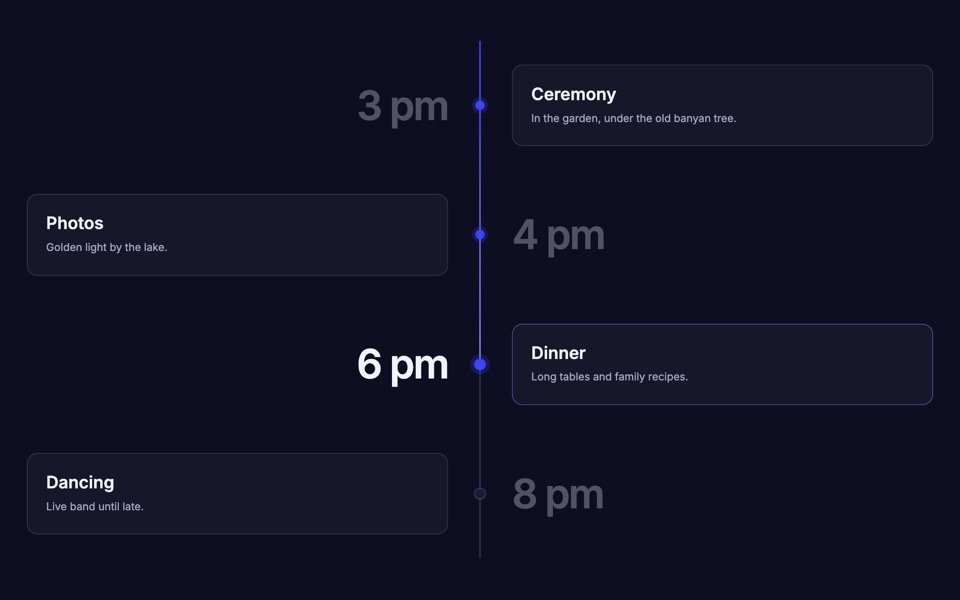

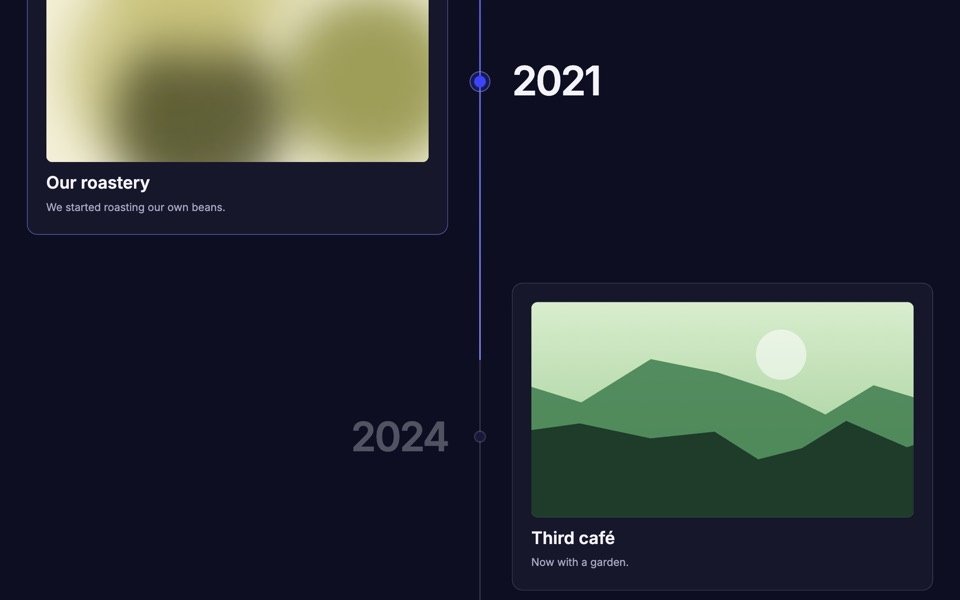
Settings
The same settings work in Bricks, in shortcode attributes and through the abilities.
| Setting | Type / options | Default | What it does |
|---|---|---|---|
items |
list | 5 sample items | |
layout |
alternate · left · horizontal · horizontal-alternate | alternate | alternate: both sides of a centre rail. left: rail on the left. horizontal: rail across, cards under it. horizontal-alternate: cards above and below the rail in turn. Phones always use left. |
marker |
dot · number · icon | dot | What sits on the rail at each milestone: a dot, its number (1, 2, 3…) or its icon. |
line |
solid · dashed | solid | |
theme |
dark · light | dark | Colour scheme. "dark" is designed for night/navy sections, "light" for white or pale sections. |
title_tag |
h2 · h3 · h4 | h3 | |
active_line |
number (0.3–0.8) | 0.6 | Fraction of the viewport height a milestone must cross to light up. |
More Scroll stories



Get the full kit
All 30 elements, one licence.
From ₹1,499 a year. Secure checkout on shop.rabinpal.com.