Globe
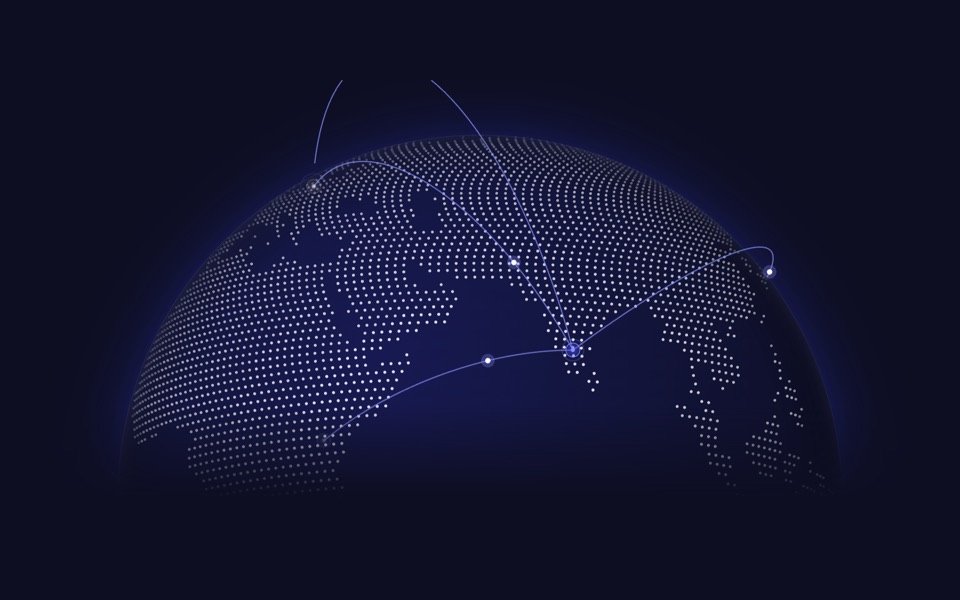
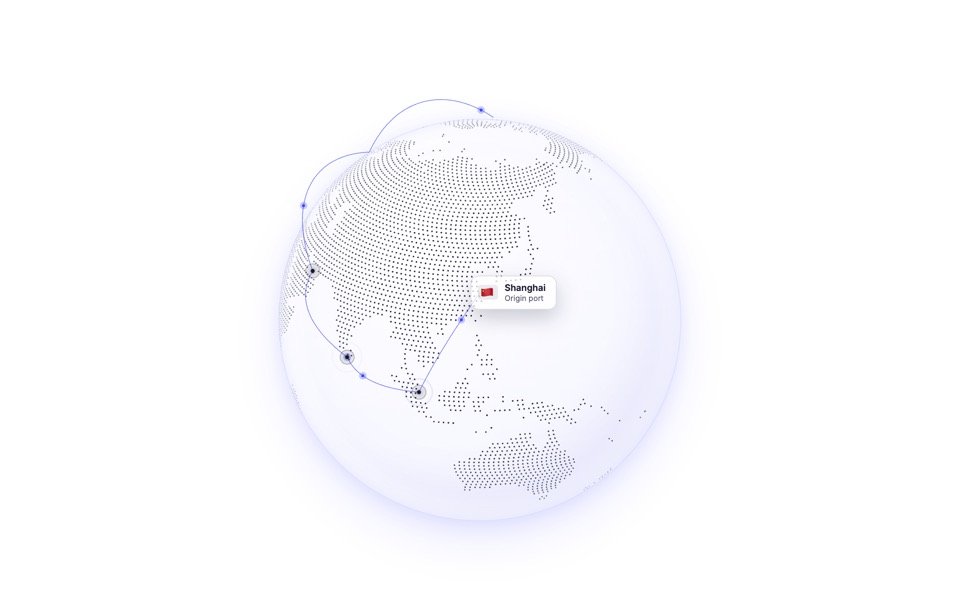
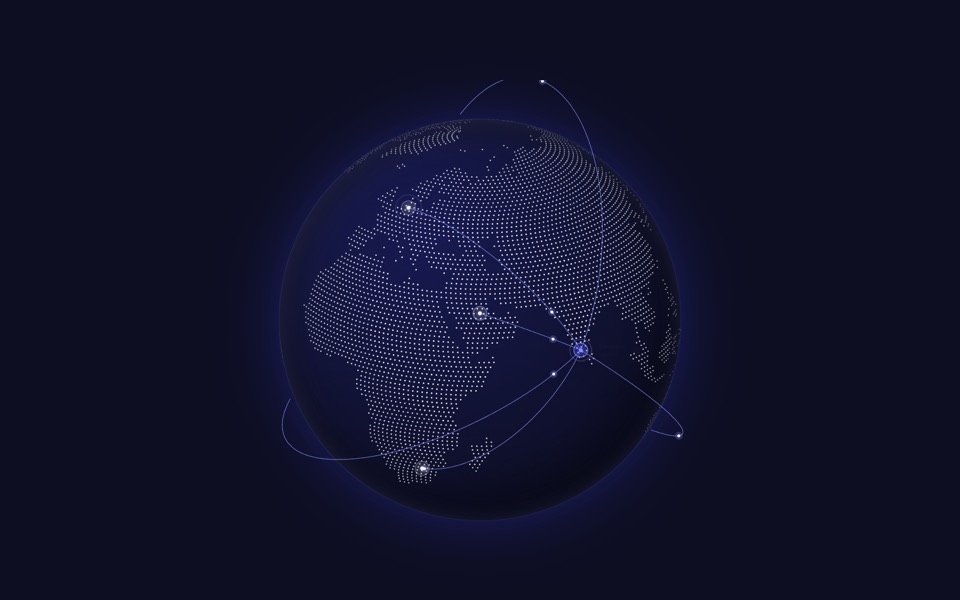
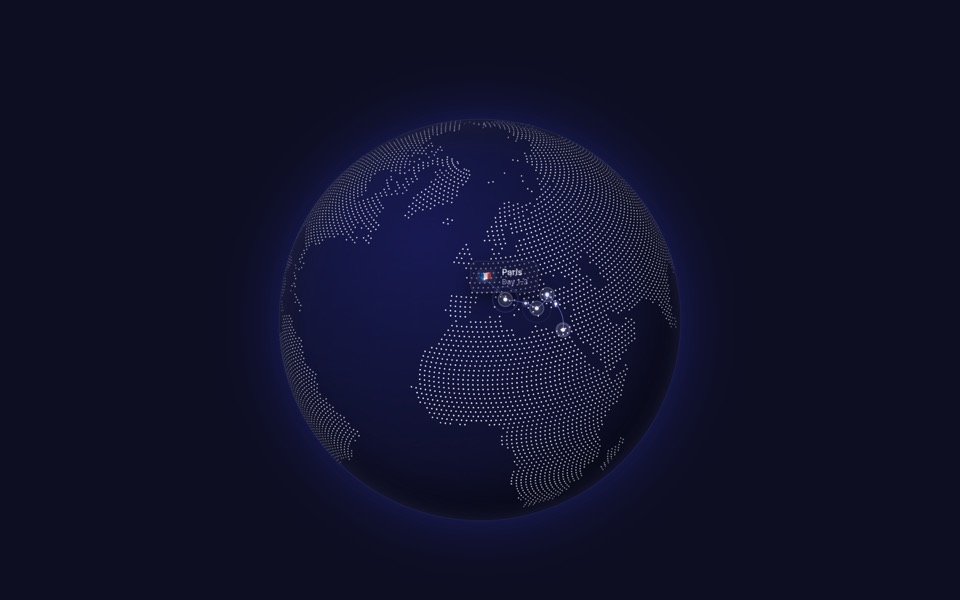
A dotted 3D Earth with your locations: arcs fly out from your HQ, the globe tours city to city, and visitors can spin it.
What it does
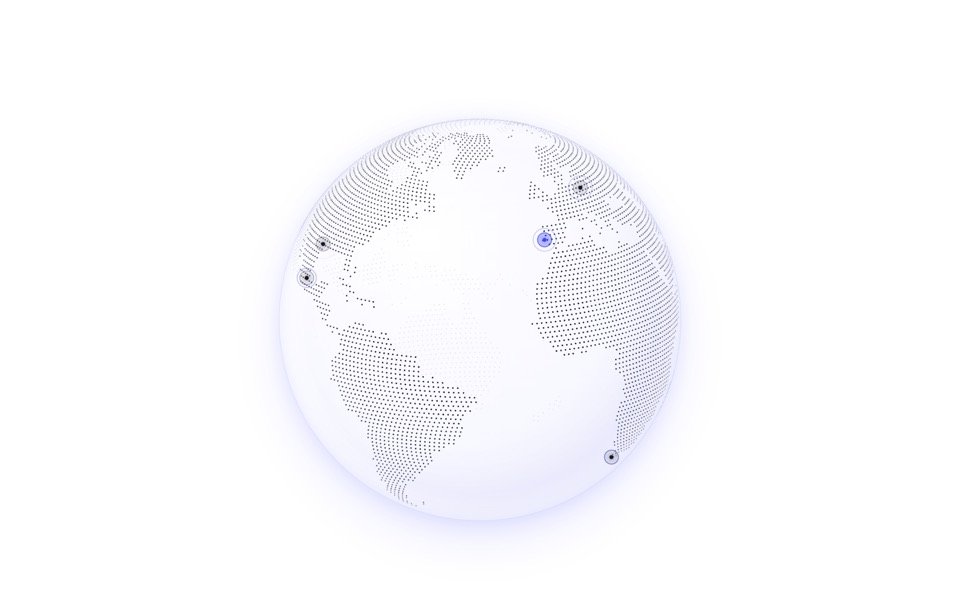
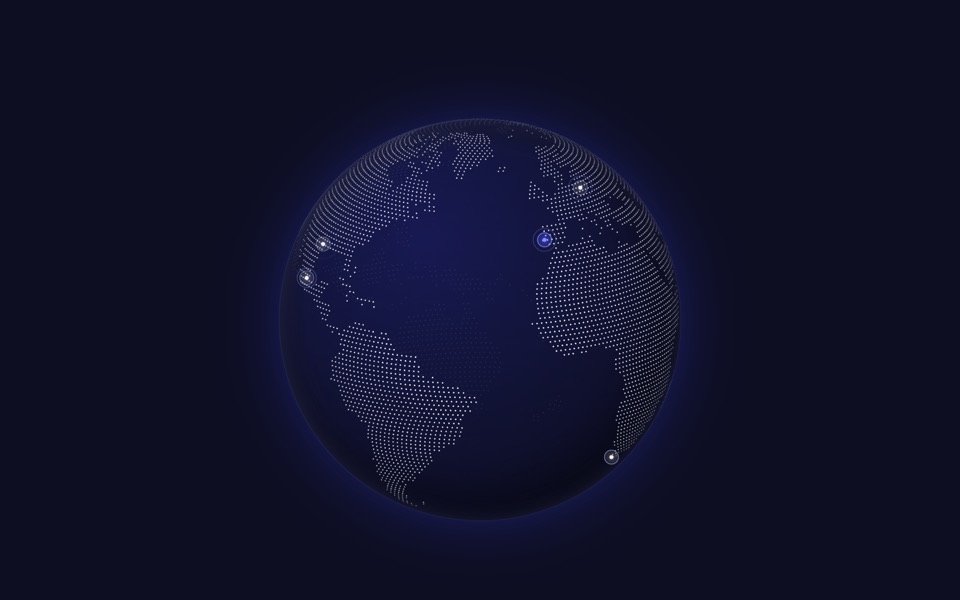
A canvas-drawn globe of land dots (Natural Earth map built into the plugin; nothing is loaded from elsewhere) with 1–30 locations. Each location is a pulsing pin with a glass card (flag from a country code, or a logo image). Arcs connect the HQ to every location (or each location to the next) with light pulses travelling along them. "full" shows the whole Earth; "horizon" makes it large and rising from the bottom edge of the section, showing only its top part. It can tour from city to city (popping each card) or simply spin, and visitors can drag it. The locations are also a real list for screen readers. Best for "where we work / who we serve" sections, global reach, offices or delivery regions.
Add it to a page
Bricks
Search the elements panel for Globe (mkit-globe) and drag it in.
Shortcode
Paste [mkit_globe] into any editor or builder.
AI agent
Ask an agent to use rabin-craft/add-to-page with element globe.
[mkit_globe]
[mkit_globe mode="horizon" locations="Kolkata|India|22.5726|88.3639|IN; London|United Kingdom|51.5072|-0.1276|GB; New York|United States|40.7128|-74.006|US"]
12 ready-made examples
Globe ideas you can copy
Each example is a live page with the exact shortcode that made it.





Settings
The same settings work in Bricks, in shortcode attributes and through the abilities.
| Setting | Type / options | Default | What it does |
|---|---|---|---|
locations |
list | 10 sample items | The first location marked hub (or the first one) is where the arcs start. |
mode |
full · horizon | full | full: the whole Earth in a square. horizon: a large Earth rising from the bottom edge, showing its top part. |
crop |
number (0.3–0.9) | 0.6 | Horizon mode: how much of the globe’s height shows (0.5 = half). |
arcs |
hub · chain · none | hub | hub: from the head office to every location. chain: each location to the next. |
tour |
boolean | true | Fly from location to location, showing each card. Off: the globe simply spins. |
interval |
number (1.5–12) | 3.5 | Seconds at each tour stop. |
speed |
number (0–40) | 6 | Spin speed in degrees per second when not touring (0 = still). |
draggable |
boolean | true | Visitors can spin it by dragging (horizontal swipes on phones). |
density |
number (0.8–3) | 1.4 | Degrees between land dots; smaller is denser. |
pattern |
rows · even | rows | rows: dots in latitude rows (a printed-map look). even: evenly scattered dots. |
see_through |
boolean | false | Show the far side’s land faintly through the globe. |
rise |
boolean | true | The globe rises (horizon) or grows (full) as it scrolls into view. |
label |
string | Where we work | Name of the location list for screen readers. |
theme |
dark · light | dark | Colour scheme. "dark" is designed for night/navy sections, "light" for white or pale sections. |
More Hero visuals




Get the full kit
All 30 elements, one licence.
From ₹1,499 a year. Secure checkout on shop.rabinpal.com.